
DocsPeople and access
Access reviews
The periodic access review SOC 2 and ISO 27001 ask for, with suggestions for every account, a report for the auditor, and removals as one plan.
People & access → Reviews runs the periodic access review auditors ask for.
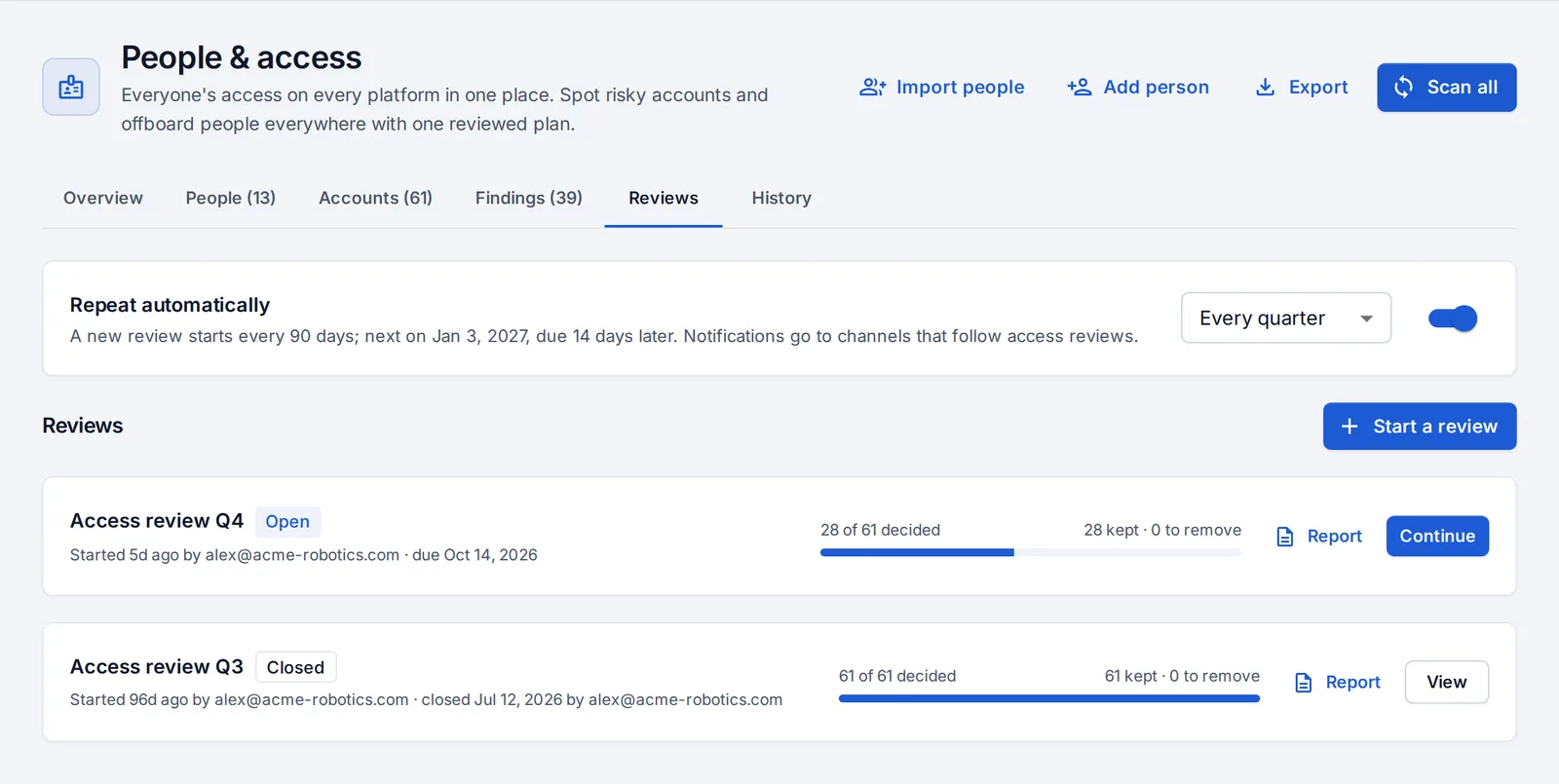
Run a review
- Press Start a review and choose the platforms. OpsNexa Online takes a snapshot of every account on them.
- Each account comes with a suggestion:
- remove: someone who left, admin access nobody owns, keys nobody uses, long inactivity, public access;
- keep: everything else.
- Decide account by account, or accept the suggestions. Add notes for the auditors.
- Once every account is decided, press Close review. The removals become one access removal plan to confirm, like an offboarding.
Each review has a printable Report: who decided what and when, and what was removed. Closed reviews can’t be deleted.
Repeat automatically
Reviews can repeat every month, quarter, half year or year. A notification goes out when one starts, and once when it’s overdue.
Something unclear or missing? Tell us, or press the ? at the top of OpsNexa Online for the guide and tours inside the product.