
DocsShip apps
Who can open an app
Password, team only or public, plus share links for testers and clients that expire or can be revoked.
Open an app’s Access & sharing tab.
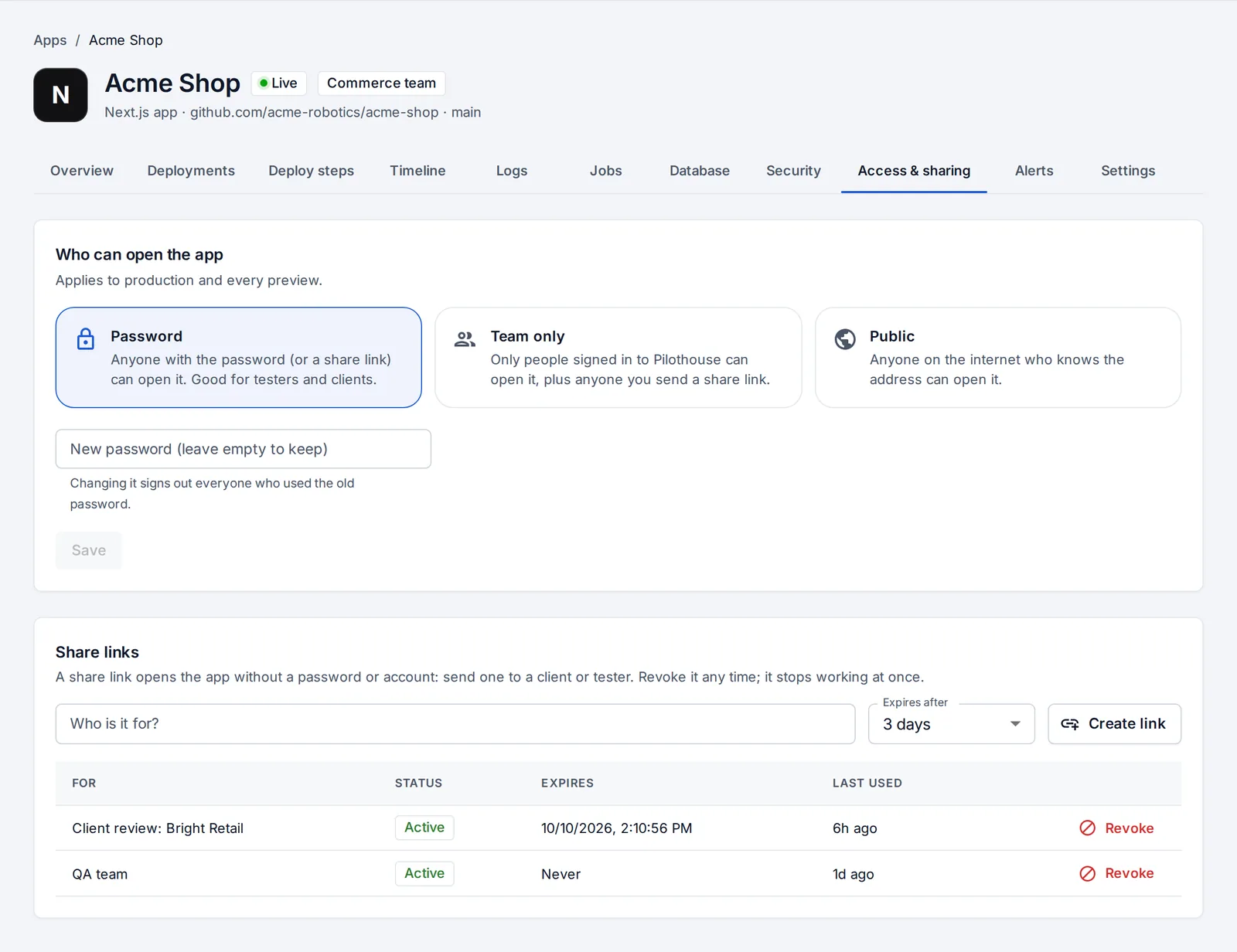
Who can open the app
This applies to production and every preview.
| Choice | Who gets in |
|---|---|
| Password | Anyone with the password, or a share link. Good for testers and clients. Changing the password signs out everyone who used the old one. |
| Team only | Only people signed in to OpsNexa Online, plus anyone you send a share link. |
| Public | Anyone on the internet who knows the address. |
Share links
A share link opens the app without a password or an account. Send one to a client or a tester.
- Under Share links, say who it’s for (“Client review: Bright Retail”).
- Pick when it expires: 1 day, 3 days, 1 week, 30 days or never.
- Press Create link and send it.
Each link shows when it was last used. Revoke stops it working at once.
Something unclear or missing? Tell us, or press the ? at the top of OpsNexa Online for the guide and tours inside the product.