
DocsConnect your infrastructure
Private networks
Reach servers, clusters and git servers with no public address through a small agent that only connects out. Nothing opens on your firewall.
Everything OpsNexa Online connects to must be on the internet, unless an agent runs inside your network. The agent is a small program you run there (Docker, Kubernetes or a Linux service). It connects out to your OpsNexa Online over HTTPS, and OpsNexa Online reaches the addresses you list through it.
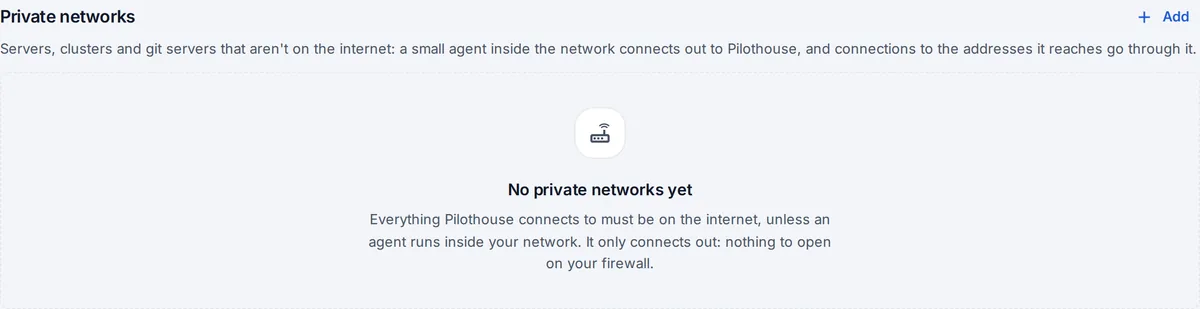
Add a private network
- Open Connections, find Private networks and press Add.
- Give it a name (like “Office data centre”) and the addresses it reaches: networks (
10.0.0.0/8), names (git.corp.example) or whole domains (*.corp.example). - Press Add and get the agent. OpsNexa Online shows the command to run it, three ways:
- Docker: one
docker runline; - Kubernetes: a manifest to apply;
- Linux service: one Python file, nothing to install.
- Docker: one
- Run it on a machine inside that network. Within seconds the card says Connected, from which machine, and which version.
- Now add servers, clusters and git servers there as usual, with their private addresses.
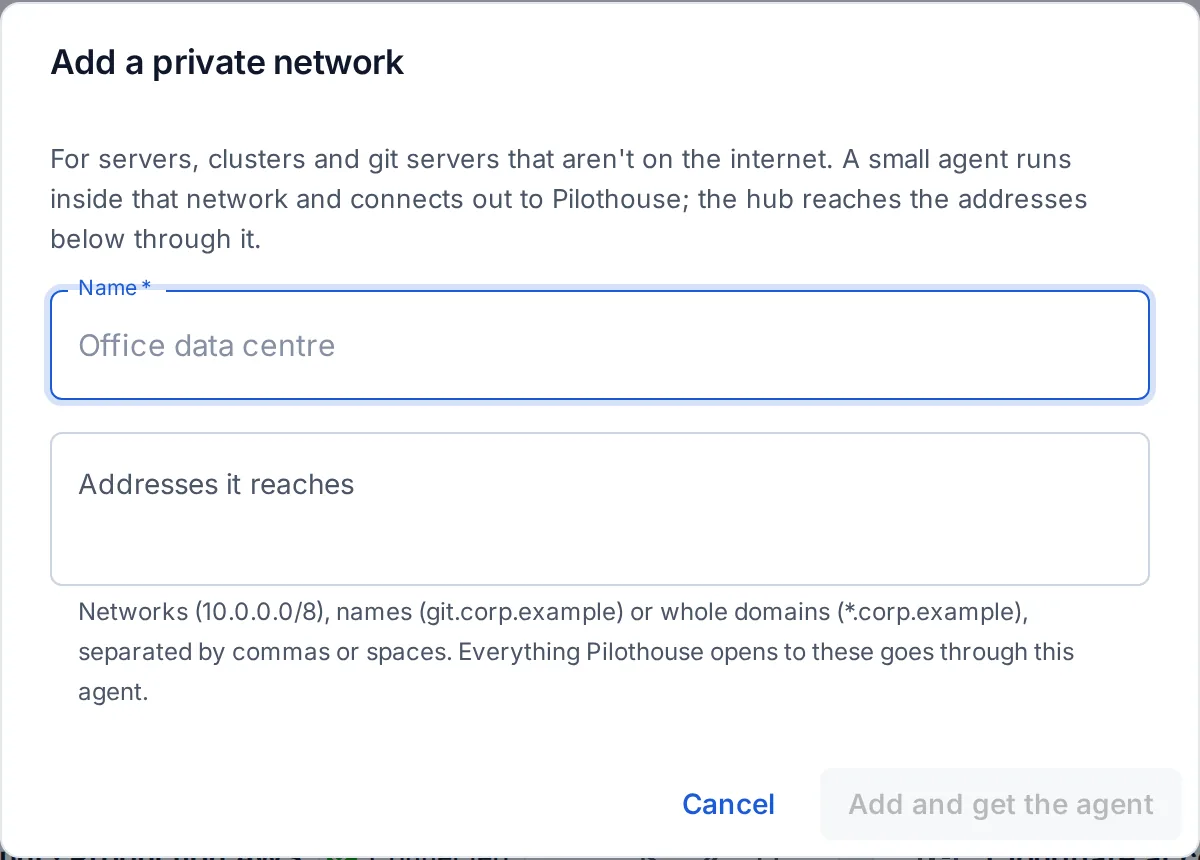
What goes through the agent
Everything OpsNexa Online opens to a listed address: SSH to servers (and so builds and deploys), the Kubernetes API, git over HTTPS, monitors, webhooks, and the platforms under People & access.
Why it’s safe
- It only connects out, over HTTPS to your own OpsNexa Online (through
HTTPS_PROXYif you have one). Nothing on your firewall needs opening. - The agent decides what may be reached, not OpsNexa Online: only the addresses you listed. It never connects to loopback or link-local addresses (like the cloud’s metadata service) unless a network names them, and it resolves names itself before connecting.
- Its token is stored hashed. New install command replaces it and disconnects the agent using the old one.
- One copy per token. If a second copy connects, the newest takes over and the other waits, so you can replace the machine without downtime.
Checking it
Each network’s card shows whether the agent is connected, from which machine, its version (and when a newer one is out), its open connections, and the last address it couldn’t reach and why. Check an address opens a test connection through it.
Good to know
- For a cluster whose API isn’t public, run the agent in the cluster and use
https://kubernetes.default.svcas the API server, withkubernetes.default.svcamong the addresses. - Git over SSH (
git@host:…) isn’t carried yet: use HTTPS for git servers on a private network, with a certificate from a public CA.
Something unclear or missing? Tell us, or press the ? at the top of OpsNexa Online for the guide and tours inside the product.