
DocsGetting started
Roles
What testers, sandbox accounts, developers and admins can do in OpsNexa Online, and how to pick the right role.
Everyone in OpsNexa Online has one of four roles. Pick the smallest one that lets a person do their job; you can change it at any time under Users.
| Role | Can | Good for |
|---|---|---|
| Tester | Open and test every app and preview, see what changed, watch monitors. Changes nothing. | QA, product managers, designers, support |
| Sandbox | Deploy their own apps on servers you set aside as a playground, a few at a time; their apps are removed after some days. Sees everything else like a tester. | Anyone who wants to try deploying without touching what matters |
| Developer | Deploy apps, connect repositories and servers, change settings, roll back. | Engineers |
| Admin | Everything, including people, sign-in, notifications, access across platforms, and billing. | Team leads, the person who runs operations |
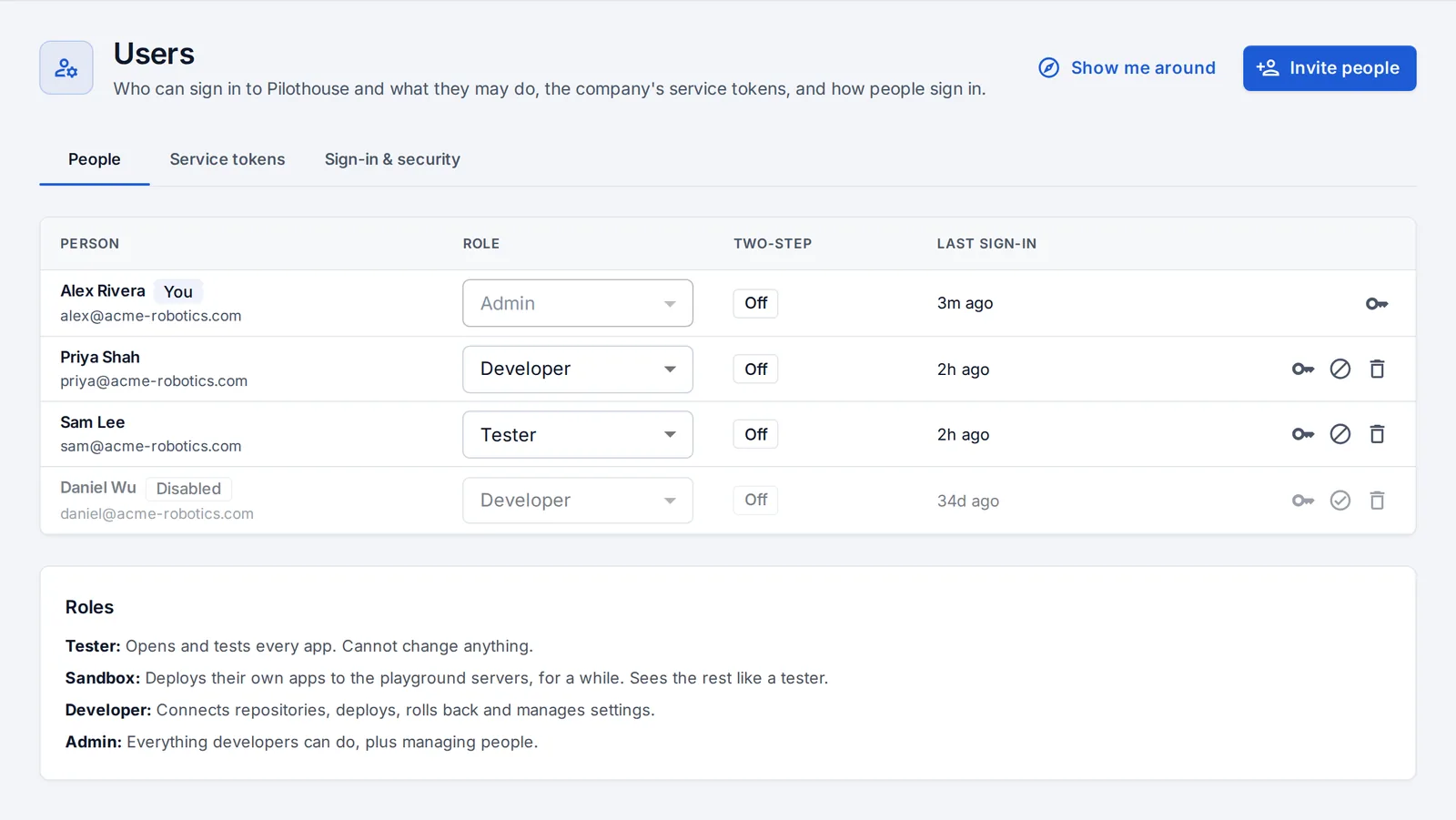
Team permissions
By default every developer can change every app and repository. Once teams own what they work on, an admin can turn on team permissions: developers then change only the apps and repositories their teams own (or that no team owns). Looking is always allowed. See Teams and scorecards.
Approvals
Production deploys can require approval. Then a deploy waits until an admin, or a lead of the team that owns the app, approves it, never the person who asked. See Previews and promotion.
Tokens and AI assistants
Personal API tokens and AI assistants act as their owner, but never above the developer role: they can’t manage people or connections. See API and service tokens.
Something unclear or missing? Tell us, or press the ? at the top of OpsNexa Online for the guide and tours inside the product.